In 2011, Bluetooth 4.0 was introduced and contained the biggest update to the standard yet. It introduced a whole new way of talking to Bluetooth devices which allowed them to use considerably less power. Bluetooth Low Energy works entirely separately from Bluetooth Classic but the two can coexist. For example most mobile phones will support both and expose classic services like Handsfree and low energy services like Device Information or Battery.
A key element of Bluetooth Low Energy is to move away from the need for a continuous connection and allow devices to make distinct read and write actions and subscribe to change notifications. This has made it possible to implement tiny devices which work for months or years on a small battery. Some examples include location beacons and key fob trackers.
New Services
Bluetooth Low Energy introduces a new model and so a large range of defined services for common use cases. As with Bluetooth Classic, those which are approved by the Bluetooth SIG have a short id code and the specifications are available online. You can however define your own custom service (with your own unique id) if you are building a specific device. You may keep this implementation entirely to yourself, or like Apple and Lego, you could publish a specification for others to use. All Low Energy services are based on the Generic Attribute Profile (known as GATT).
GATT Services can be visualised as a tree – each service can have one or more Characteristic and each Characteristic one or more Descriptors e.g.
Bluetooth Service (0x180F)
    Battery Level Characteristic (0x2A19)
        Characteristic Presentation Format Descriptor (0x2904) (optional)
        Client Characteristic Configuration (0x2902) (used for notifications)
A Characteristic is an individual logical property supported by the service. Some services may only contain a single characteristic, other many. Some services may define optional characteristics which are not present on all devices. From a GATT Service you can use an API to either request a specific characteristic by id or request enumeration of all characteristics. Each characteristic may support Read, Write and Notify functionality. The characteristic exposes a Properties value which contains a mask of all the supported operations. It only makes sense for a device to support notifications if the value is likely to change over time – device manufacturer wouldn’t, but the battery level or weight on a scales definitely would. The Write operation may support one or both of WriteWithResponse or WriteWithoutResponse. As the name suggests WriteWithoutResponse is a fire-and-forget operation and you won’t know if or when the operation completed successfully. The Properties value of the Characteristic will tell you which is supported.
The Descriptor provides additional information about the characteristic. This can often be to describe the units the value is presented in and other display properties so that the requesting device knows how to make sense of the raw bytes. There is a special Client Characteristic Configuration Descriptor which is used to support change notifications – the calling device must write a value to this in order to receive notifications on a specific characteristic. There is no subscribe to all functionality – you request separately for each characteristic.
Overwhelmed by Advertising
Bluetooth Low Energy devices broadcast packets, called Advertisements, both as a mechanism to support discovery but also use these to broadcast data themselves. This can be related to a specific service or a manufacturer specific chunk of data. In this way it’s possible to get data from a low energy device without ever establishing a connection. This form the basis of beacons which are constantly broadcasting a unique identifier which can be used to establish a location (especially when multiple beacons are used together).
Strangely there isn’t an official Bluetooth standard for beacons, but there are multiple implementations in use. Apple devised the iBeacon standard, Eddystone was Google’s implementation – they achieve similar ends but Eddystone supports additional data alongside the unique id. There are some lesser know implementations including URIBeacon which broadcasts a Url rather than an id. It’s possible for a single beacon device to broadcast multiple formats.
While there is a lot of potential for broadcasting data like this in the advertising packet, it’s important to remember that it is completely public and so not appropriate for all types of devices.
What a Mesh!
Following on from Bluetooth Low Energy another standard was created to allow smart devices to communicate between themselves and form a mesh. This is used for smart lighting and other groups of devices and sensors. Devices can send messages out into the mesh which are relayed around to reach further and more reliably than with individual Bluetooth Low Energy communication between two devices.
Bluetooth LE and .NET
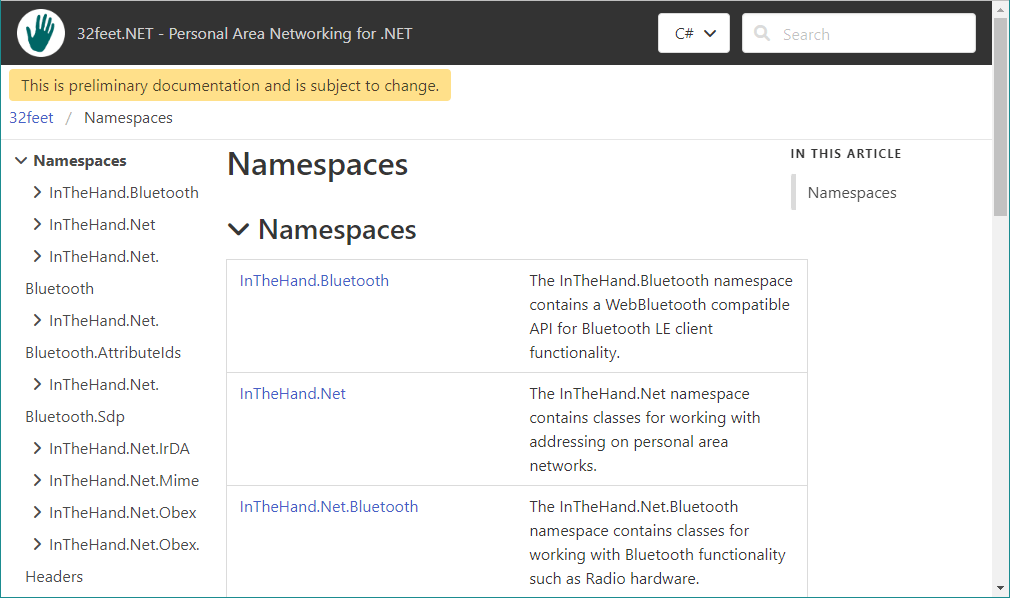
APIs are available natively on all the platforms .NET runs on, but of course these APIs vary dramatically. 32feet.NET has an implementation for Windows, Android and Apple OSes which follows the Web Bluetooth API model. It currently contains all the client-side functionality described above. Obviously it would be great to eventually extend this to Linux and Tizen as well as add server side functionality to host services and customise advertisements.

 In The Hand Ltd