Tag: Linux

  • Reinventing the Wheel Again – Bluetooth on Linux

    Reinventing the Wheel Again – Bluetooth on Linux

    Sometimes it takes a while to realise that an API is lying to you. When implementing Bluetooth Classic support for Linux on .NET 6.0 and above I came to this realisation after going directly to the native API.

    System.Net.Sockets has been available since the beginning of .NET. Traditionally this was a wrapper over the WinSock API which called into the same Win32 APIs you would use from C++, but providing an object-oriented API and throwing typed exceptions for native error codes. To use Bluetooth sockets on Windows or Linux you create a Socket with a specific AddressFamily. The Bluetooth address families have never been defined in .NET but 32feet.NET has provided implementations of these constants and classes to allow you to use Sockets for Bluetooth Rfcomm connections. The values and structures differ depending on platform and the library was able to hide those details from the consuming code.

    Creating a Socket with AF_BLUETOOTH on Linux would throw an exception indicating the address family was not supported. This seemed wrong as the BlueZ API is present on the device (in this case a Raspberry Pi running Raspberry Pi OS). So the first step was to talk to the organ grinder rather than the monkey – P/Invoking into the socket API in libc would give the true answer. Lo and behold the function returned a valid socket handle, not an error code.

    This is where we get to reinventing the wheel. I first encountered a similar issue when getting the library to work on Mono on Windows – to support Unity based projects. It terms out that the Mono Socket was similarly hobbled and I could get around this limitation by recreating the entire Socket class with the underlying Win32 API calls. Having had that eureka moment I was able to reuse the basics of that implementation (The Win32Socket in 32feet.NET) with a new LinuxSocket class. Because Windows Sockets is based on the same Berkeley Sockets model that Unix uses the APIs are more or less identical except for the library name. Therefore it didn’t take too long to implement a working BluetoothClient. I haven’t worked on the BluetoothListener for Linux yet, but I don’t imagine it too be too difficult after having learned all of the above via a lot of trial and error and slow remote debugging!

    Next Steps

    I’m now going to complete the testing and add the Listener support. In the future I hope that the .NET Socket support is improved to remove the current limitation. I would expect the API to accept any Address Family and pass any errors through in the standard way rather than being limited to a subset of address families.

    I’m not proposing that Microsoft adds any Bluetooth support into the the framework itself, but it should allow others to access available functionality through the underlying APIs, in the same way that we can on Windows. There is an open issue in the .NET Runtime tracking this, which I will be keeping an eye on.

    If there are specific features you’d like to see added to the library or you have an issue integrating a particular device please do get in touch. All of this development work is just me working in my spare time, so if you can support the project through GitHub Sponsors or OpenCollective that would be awesome. I can also provide formal support arrangements or custom development, contact me for details.
  • Pi Day

    I’d completely forgotten about Pi day until I saw someone post about it online and I thought I should write about the happy coincidence that I’ve been working with a Raspberry Pi today.

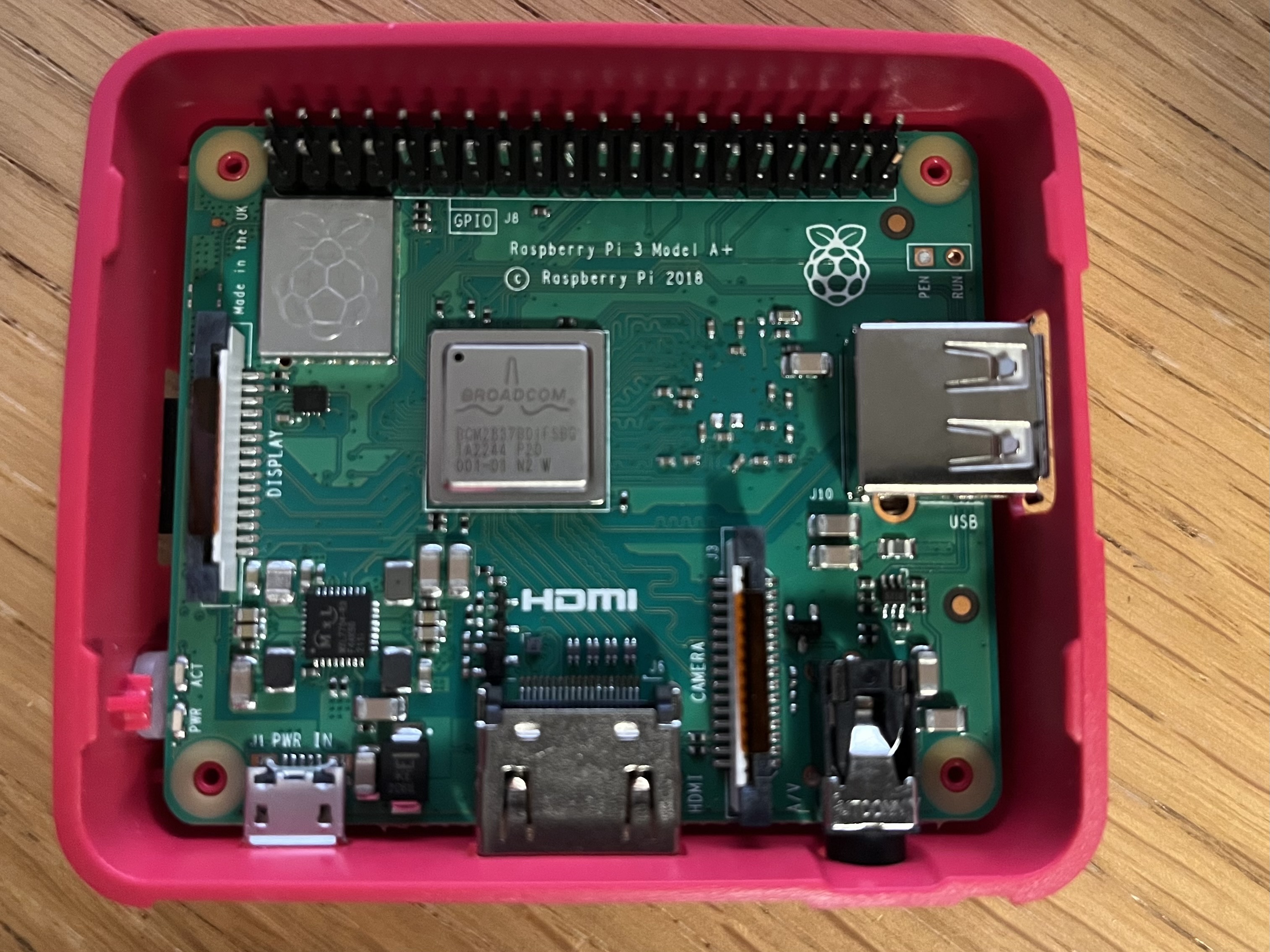
    Raspberry Pi 3 A+ board inside opened enclosure.

    Last week I took delivery of a new Raspberry Pi. I have an older Pi 2 but I wanted to have a newer unit to allow me to develop 32feet.NET for Linux and the Raspberry Pi is a compact and simple device to setup for this purpose. There are still supply issues with the latest models but I was able to get a Raspberry Pi 3A+. The A is a shrunken form factor which is ridiculously small but only has one USB socket. I bought a kit from Pi Hut which included a power supply and case. I invested in the Raspberry Pi keyboard at the same time as this has a built in USB hub so that you can daisy-chain in a mouse and other peripherals. Because it has built in Wi-Fi the only other thing I had to plug in was an HDMI cable to a spare display. The Raspberry Pi 3 and 4 both have a built in Bluetooth adapter and both can run the ARM64 builds of Raspberry Pi OS.

    Setting up the microSD card was straight-forward as long as you don’t pick the default Raspberry Pi OS image (which is 32-bit) and get the 64bit one. BlueZ, the official Bluetooth stack for Linux, is already included so the Bluetooth works out of the box. I needed to install the .NET SDK, enable SSH and then I was able to debug remotely from Visual Studio.

    The process is not quite as slick as remote debugging an Android or iOS app. You have to build your code, then you need to deploy it to the Pi. To do this I used scp (Secure Copy). There is a process to follow to setup an SSH key and copy it to the Pi so that you don’t have to authenticate with a password to connect via SSH and this applies to scp too. The scp command lets you copy one or more files from the host PC to a directory on the Pi (you’ll want to create a directory on the Pi to run your new app from). You can also download files in the other direction if you need to get data back from the Pi after running the app.

    Now you have the app deployed you can use the command line on the Pi to run the app using the dotnet command e.g.

    dotnet MyApplication.dll

    What I did was start the program off and wait for input, to give me time to connect the debugger then I can continue when ready. It’s just a straight-forward console app.

    Console.WriteLine("Hello World!");
    var inputString = Console.ReadLine();

    For debugging from Visual Studio you go to Debug > Attach to process… Select SSH as the connection type and enter or find your Raspberry Pi device – the format is the SSH login of user@hostname. When you’ve connected you’ll see a list of processes running on the remote device and you should see one which begins “dotnet”. Click Attach and wait for the debugger to attach, setup breakpoints and load symbols. Once the activity dies down in the Output window you can type any text into the Pi command line and press enter and let the magic begin.

    I’ve started by incorporating Linux.Bluetooth (previously known as Plugin.BlueZ) as this wraps most of the required Bluetooth LE functionality from the underlying DBus API. As I delve more into this I’ve had to poke around in DBus itself using Tmds.DBus. There is a useful study guide at the Bluetooth SIG which shows how it all works. Hopefully soon I’ll have the Linux support ready in preview form and it can be tested on other devices. Please get in touch through GitHub if you’d like to help out.

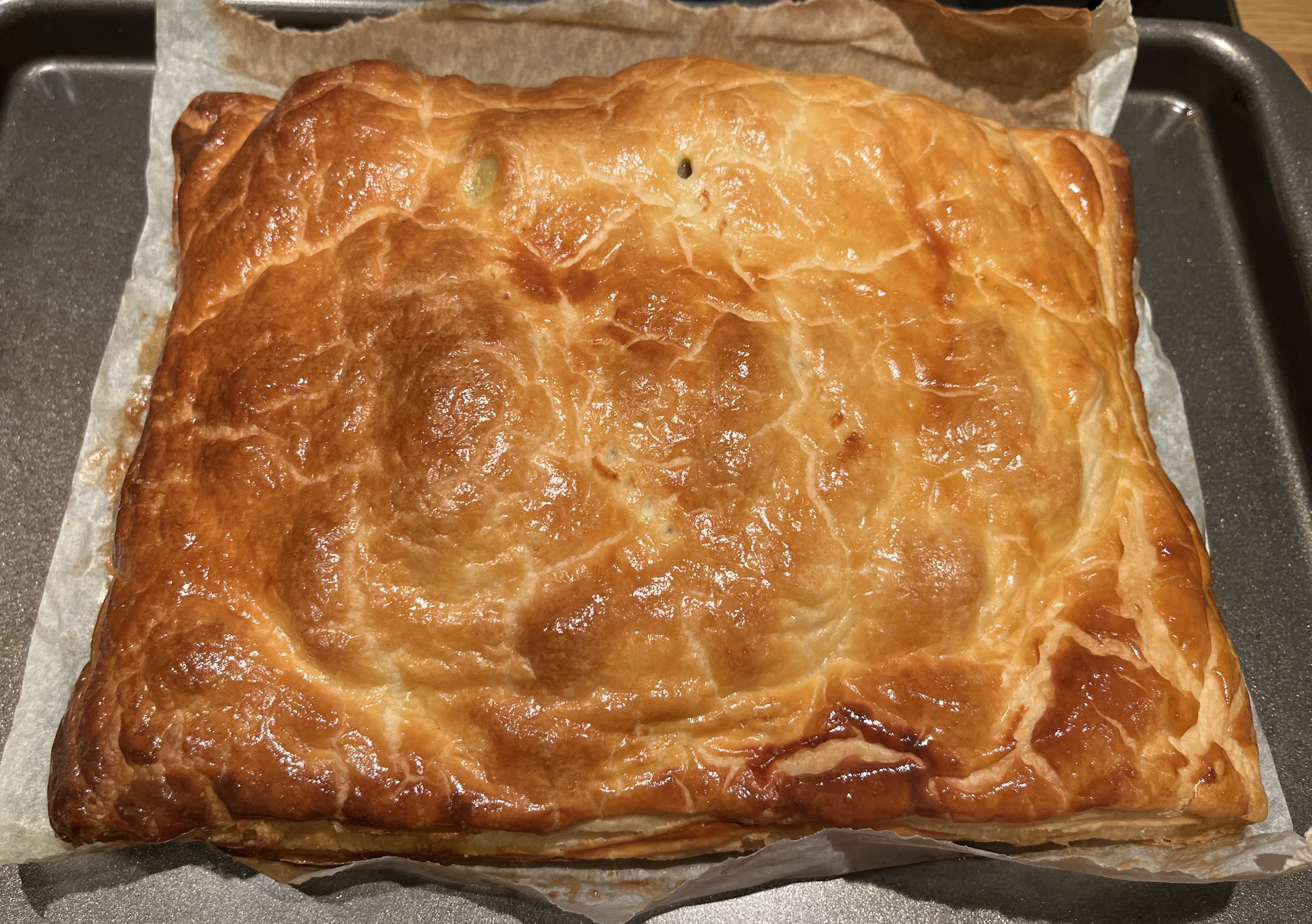
    Oh, and coincidence number 2? I’d already planned to make a Pie for dinner tonight before realising the date – Yummy!